
.csv and .tsv files directly as documents. No scratch database, no import step. The file is the source of truth; Save writes back to it.
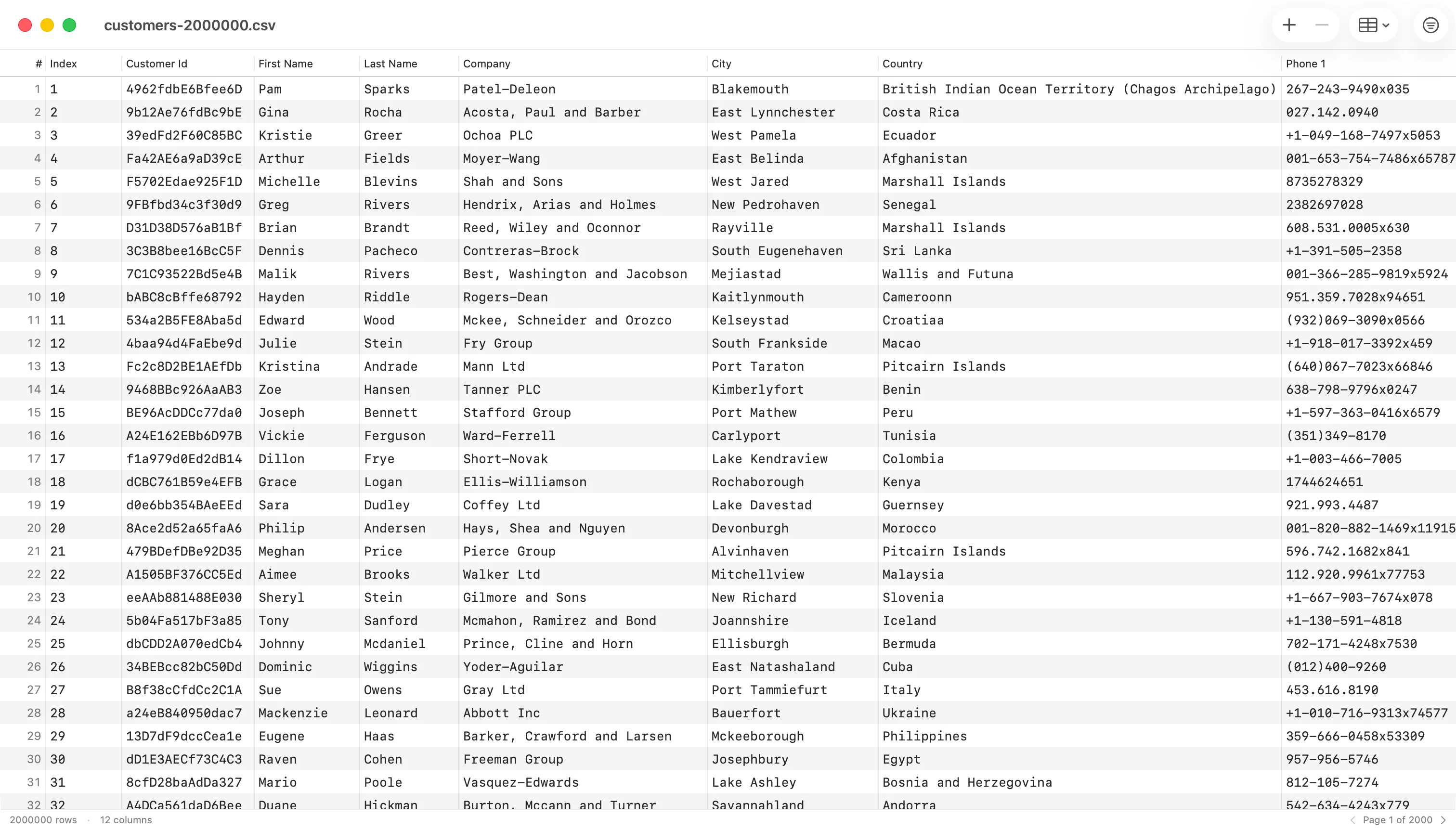
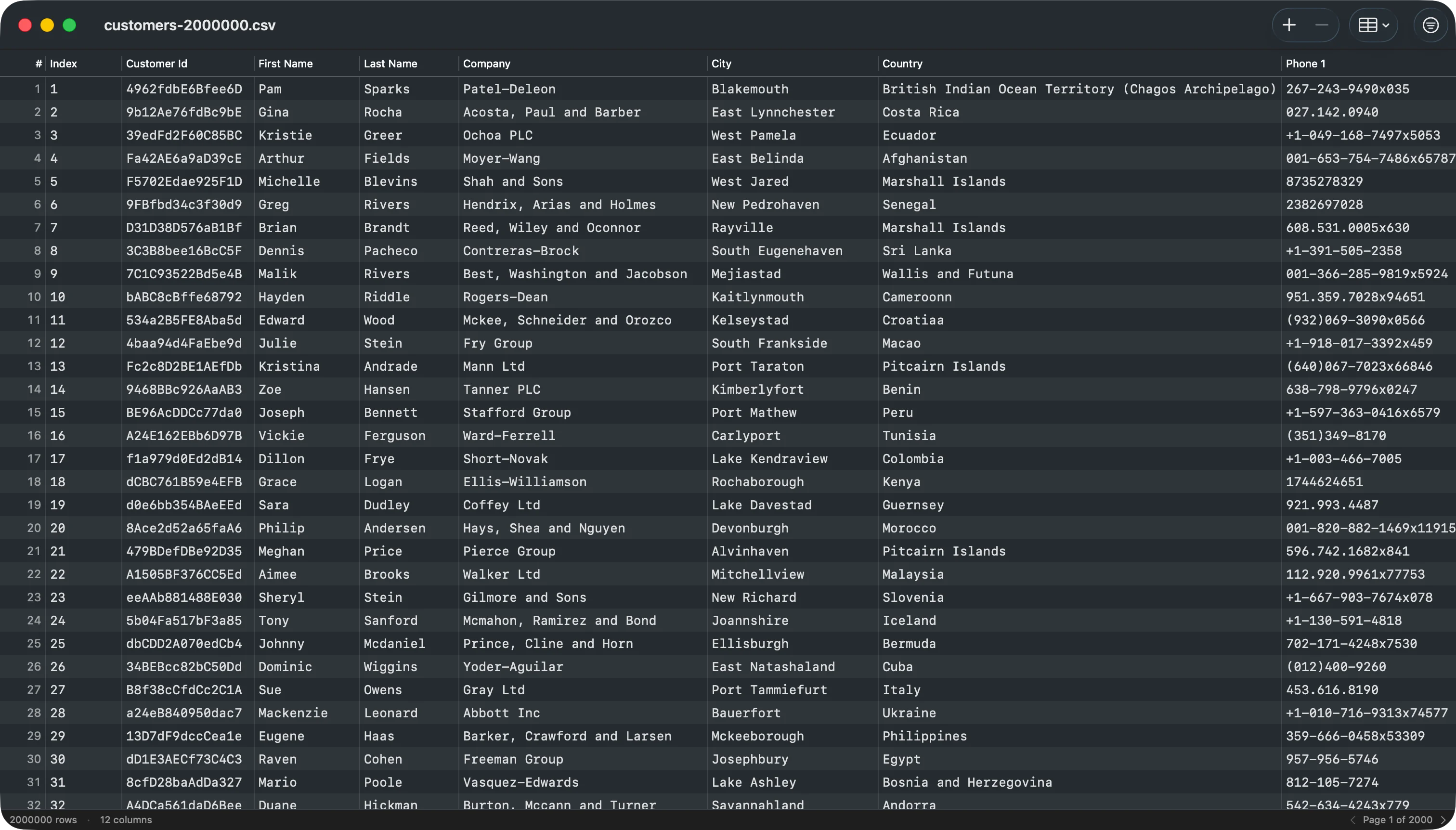
Opening a file
- Double-click a
.csvor.tsvin Finder. - Drag a file onto the TablePro Dock icon or an open TablePro window.
- File > Open… and pick a CSV or TSV.
- File > Open Recent lists previously opened CSV documents alongside saved connections.
Auto-detection
When a file opens, TablePro reads the first 8 KB to detect:- Delimiter: comma, tab, semicolon, or pipe, chosen by which appears most often outside quoted regions.
- Encoding: UTF-8 (with or without BOM), UTF-16 BE, UTF-16 LE. Files without a BOM are read as UTF-8 with Latin-1 fallback for stray bytes.
- Line ending: CRLF, LF, or CR. Whichever appears first.
- Header row: TablePro treats row one as headers when every value is non-numeric and unique. Otherwise it generates
Column 1,Column 2, … and treats every row as data.
Editing
- Double-click a cell to edit. Tab or Return commits and moves to the next cell.
- The toolbar
Add Rowbutton appends a new row, scrolls to it, and selects it for editing. - Select rows and press
Delete(or the toolbar−button) to remove them. The next row takes selection so arrow keys keep working from where you were. - Cmd+Z and Cmd+Shift+Z undo and redo every change. A bulk delete or a paste is a single undo step.
Column operations
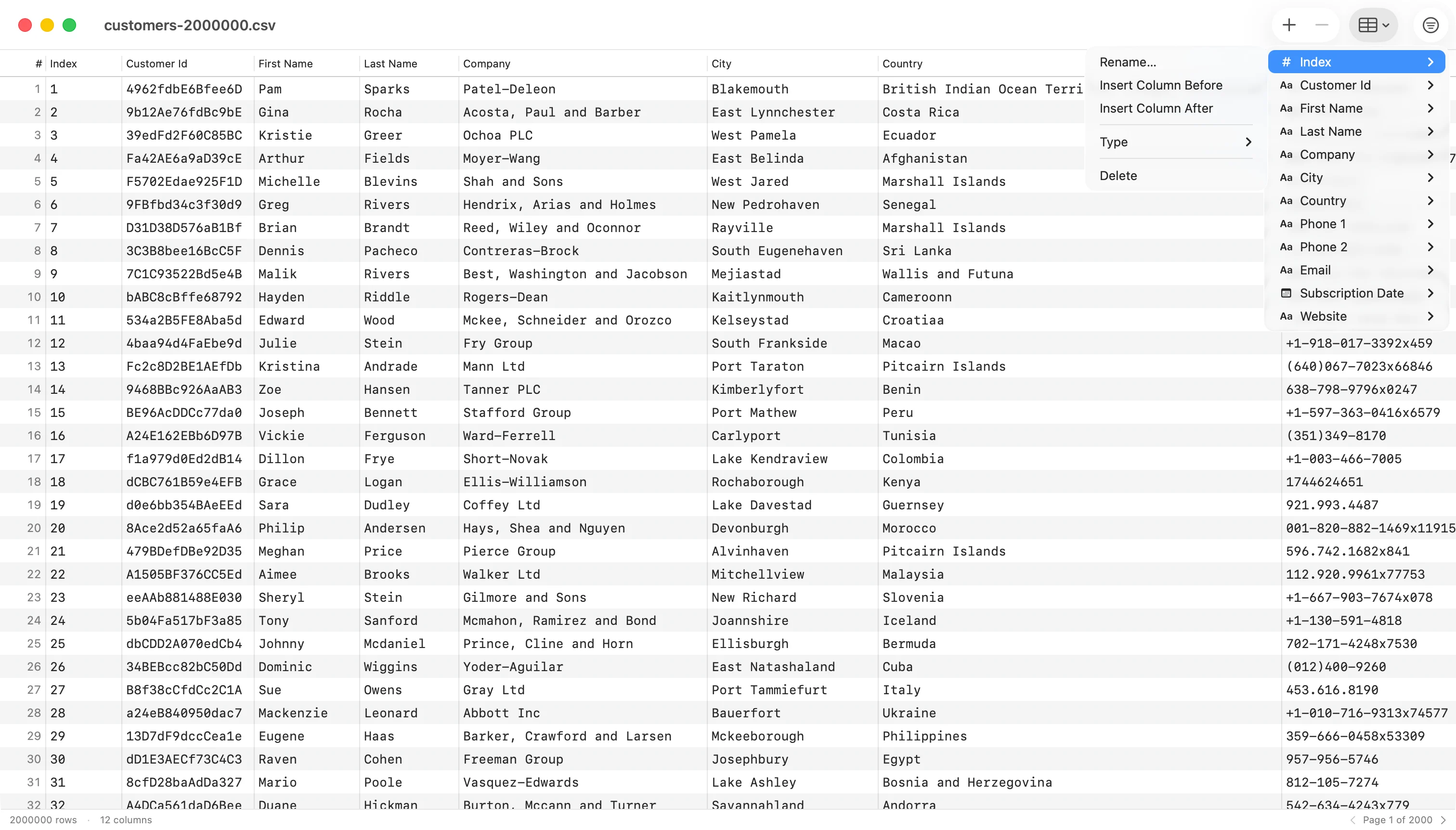

Columns button opens a menu listing every column with its current type. Each column has a submenu for:
- Rename… opens a sheet to enter a new name; the column stays in place.
- Insert Column Before / After inserts a new column at the chosen position with a name you supply.
- Type ▸ overrides the inferred type as Text, Integer, Real, Boolean, or Date. Reset to Inferred drops the override.
- Delete removes the column (undoable).
Filter and sort
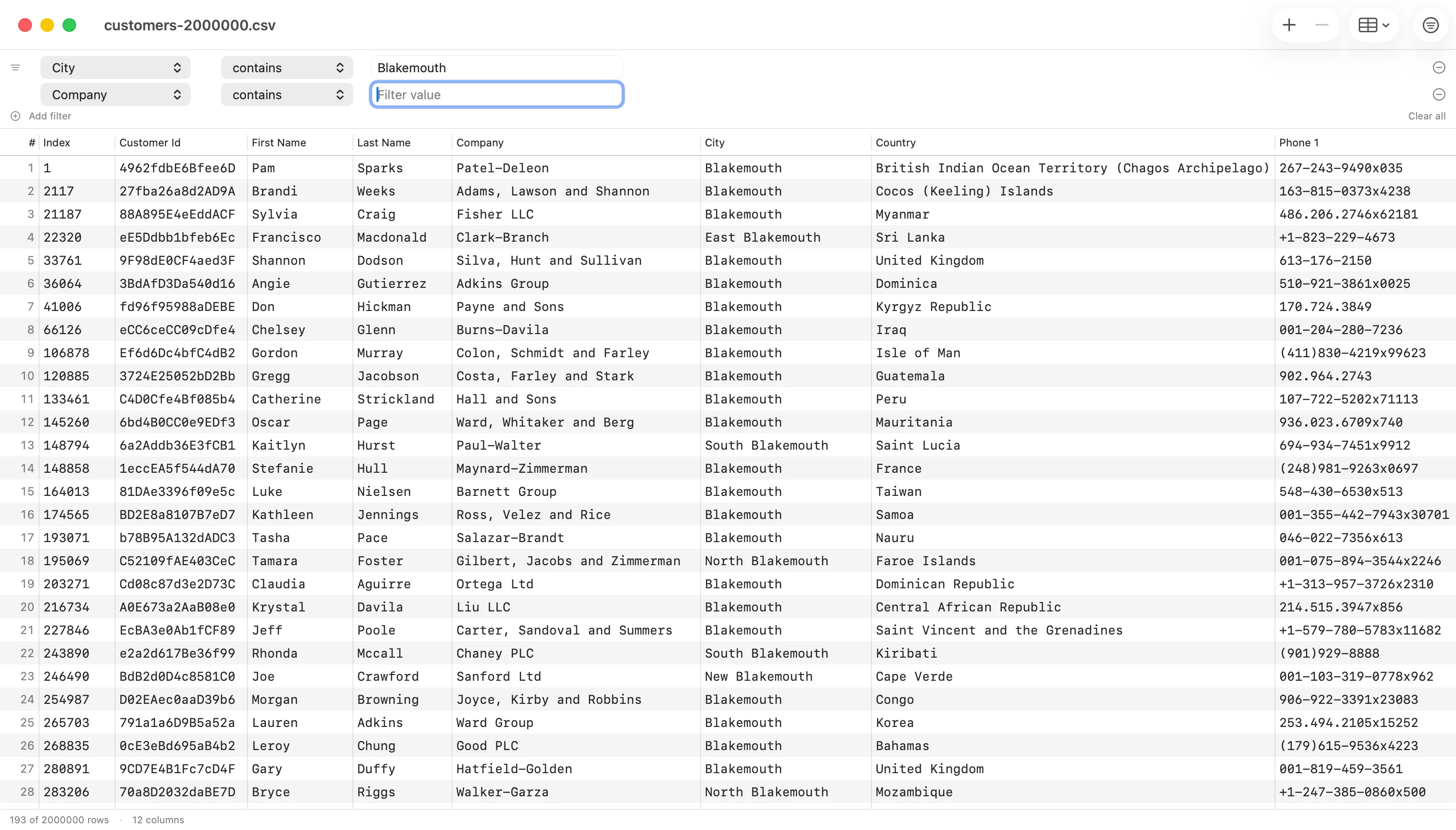
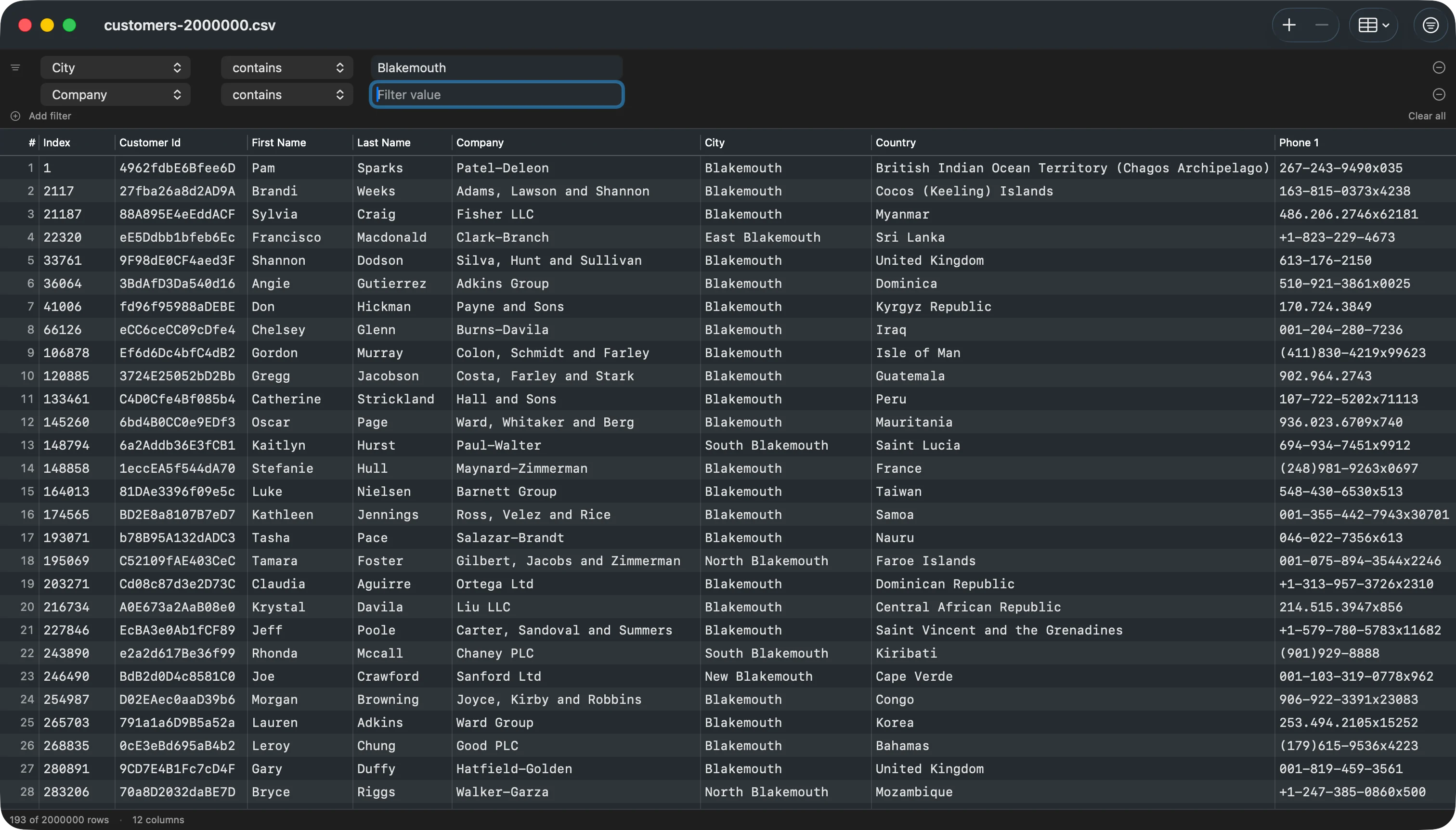
Cmd+Ftoggles the filter bar. Each row is one condition: column, operator (contains,equals,does not equal,starts with,ends with,is empty,is not empty), and value.- Use
+ Add filterfor additional conditions. All conditions are combined with AND. Clear allresets to a single empty condition.- Click a column header to sort by that column. Shift-click another column to add it as a secondary sort key (and so on for tie-breakers).
- Numeric-typed columns sort numerically; text columns sort with natural ordering (so
Item 2comes beforeItem 10). - Filter and sort run off the main thread, so the UI stays responsive on large files. An “Updating…” indicator shows in the status bar while a recompute is in flight.
Copy and paste
Cmd+Ccopies selected rows to the pasteboard as TSV (tab-separated values).Cmd+Vparses TSV from the pasteboard and appends each line as a new row. A whole paste is one undo step.
Type inference
TablePro samples the first 200 non-empty values per column and infersInteger, Real, Boolean, Date, or Text. The inferred type controls numeric sort and right-alignment. Inferred types do not modify the stored data: every cell is still a string on disk. Override per-column from the Columns menu.
Saving
- Cmd+S saves to the original path, preserving the detected delimiter, encoding, line ending, and BOM byte-for-byte.
- Cmd+Shift+S brings up Save As, where you can re-pick the destination.
- File > Revert To > Last Saved restores the last saved version. File > Revert To > Browse All Versions opens the macOS document version browser.
- The window title shows “Edited” until you save.
External changes
If another application writes the file while you have it open in TablePro:- If you have no unsaved edits, TablePro reloads the file.
- If you have unsaved edits, TablePro asks whether to keep your version or revert to the version on disk.