
Connection Sharing
Export connections to a.tablepro file and share with your team. Passwords stay in your Keychain.
Export
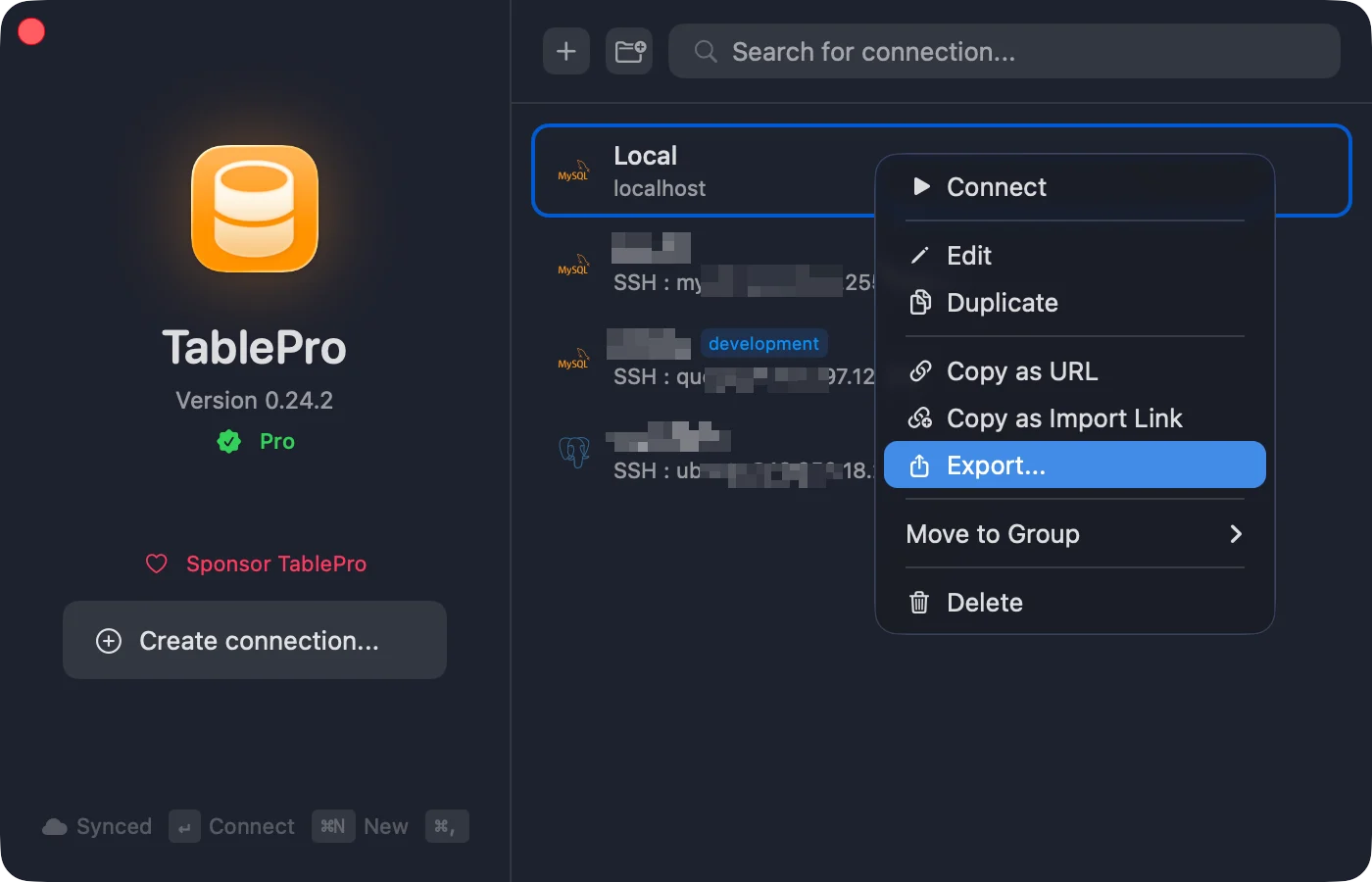
Right-click a connection > Export Connection…. Select multiple first to export together. Or use File > Export Connections… for all. Exported: host, port, username, type, SSH/SSL config, color, tag, group, Safe Mode. Not exported: passwords, key passphrases, TOTP secrets.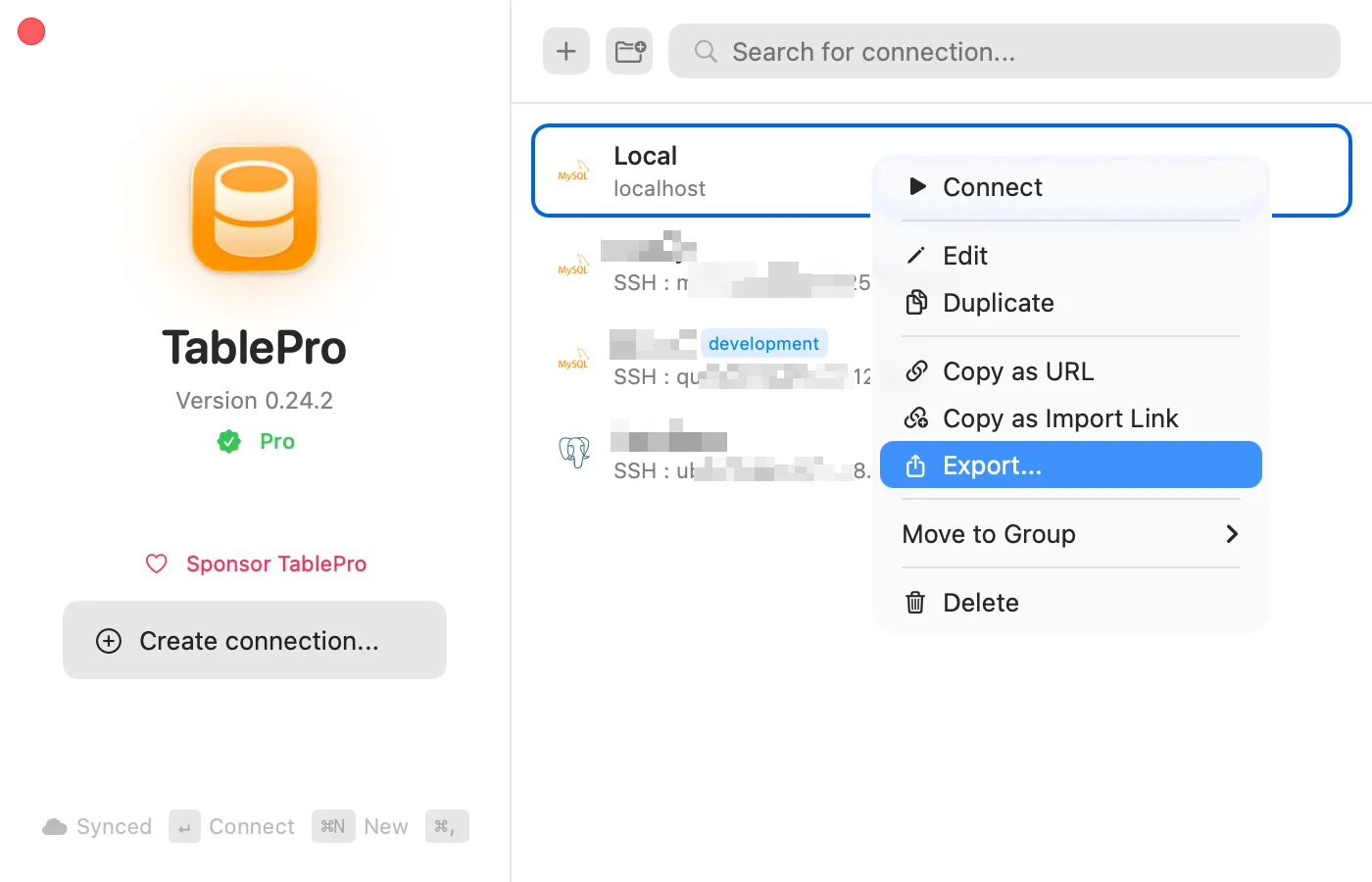
Import
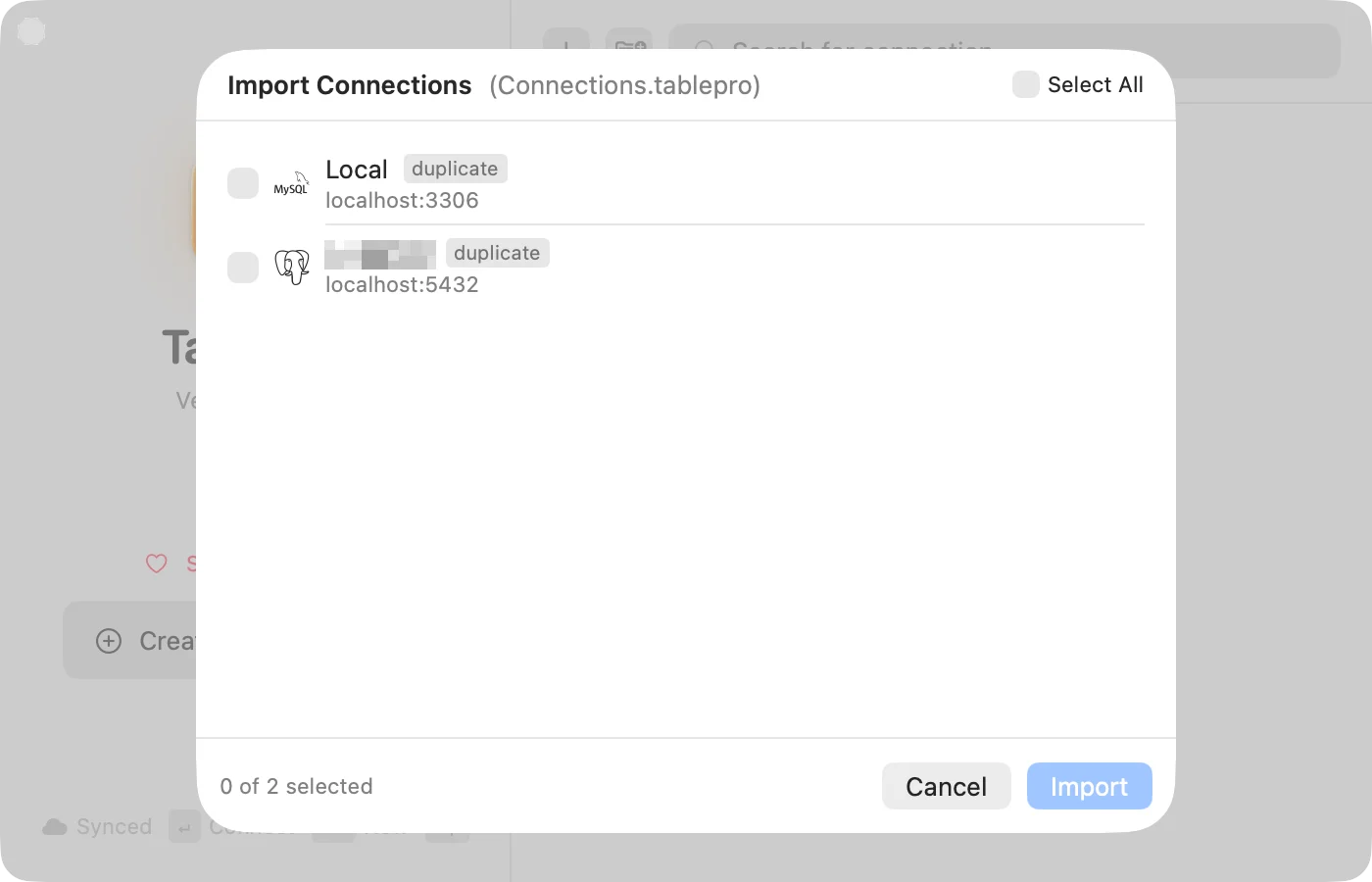
- File > Import Connections…
- Right-click empty area > Import Connections…
- Double-click a
.tableprofile - Drag onto TablePro
| Badge | Meaning |
|---|---|
| Green checkmark | Ready |
| Yellow triangle | SSH key or cert not found |
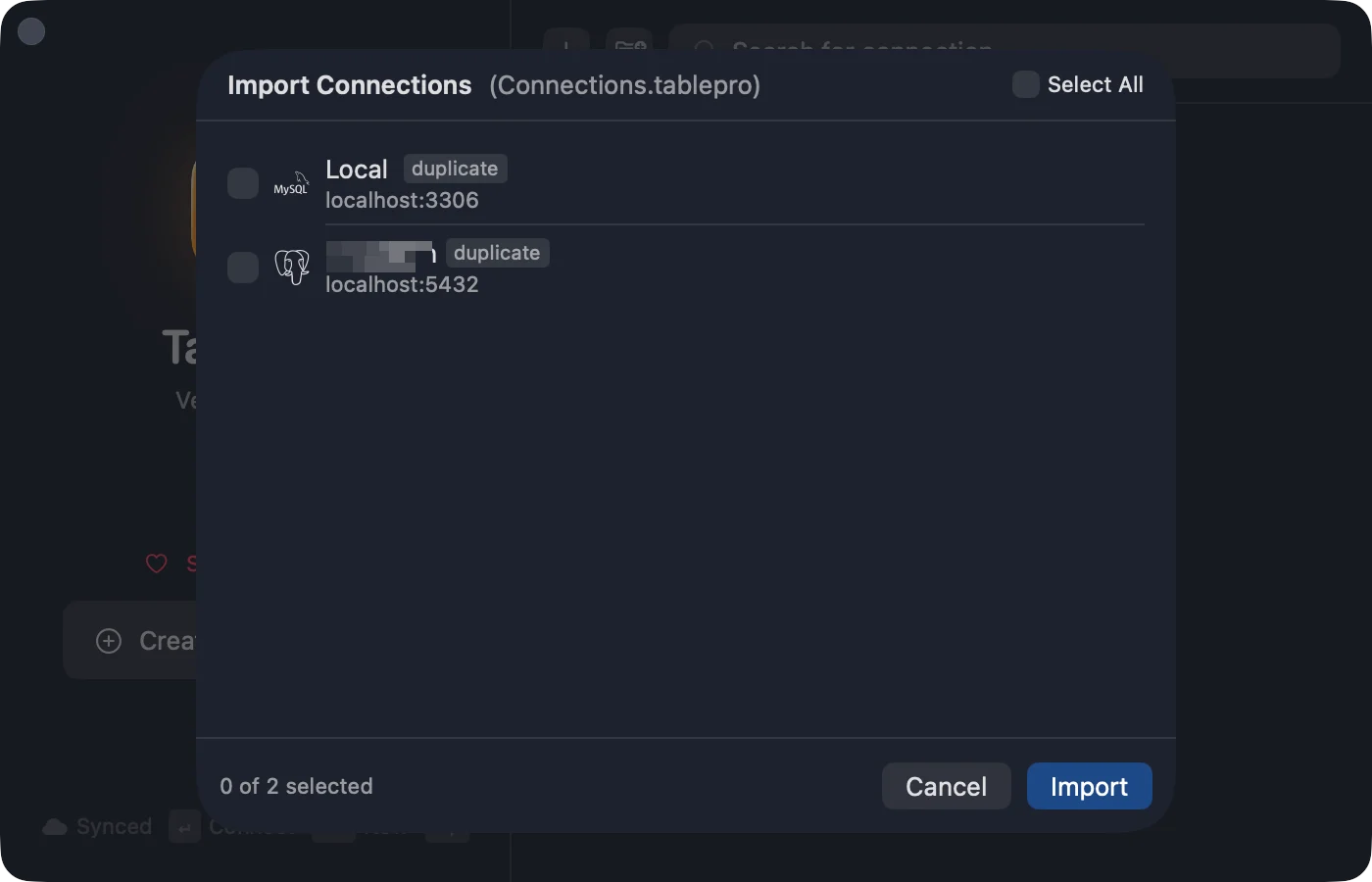
| ”duplicate” tag | Already exists |
Import from Other Apps
Bring your connections over from TablePlus, Sequel Ace, DBeaver, DataGrip, or Navicat. Passwords can be imported too. The source app doesn’t need to be running.- File > Import from Other App…
- Pick the source app and click Continue. Navicat opens a file picker: choose the
.ncxfile you exported from Navicat. - Review the list. Duplicates match by host, port, database, and username. Uncheck anything you don’t want, or choose As Copy, Replace, or Skip for duplicates, then click Import.
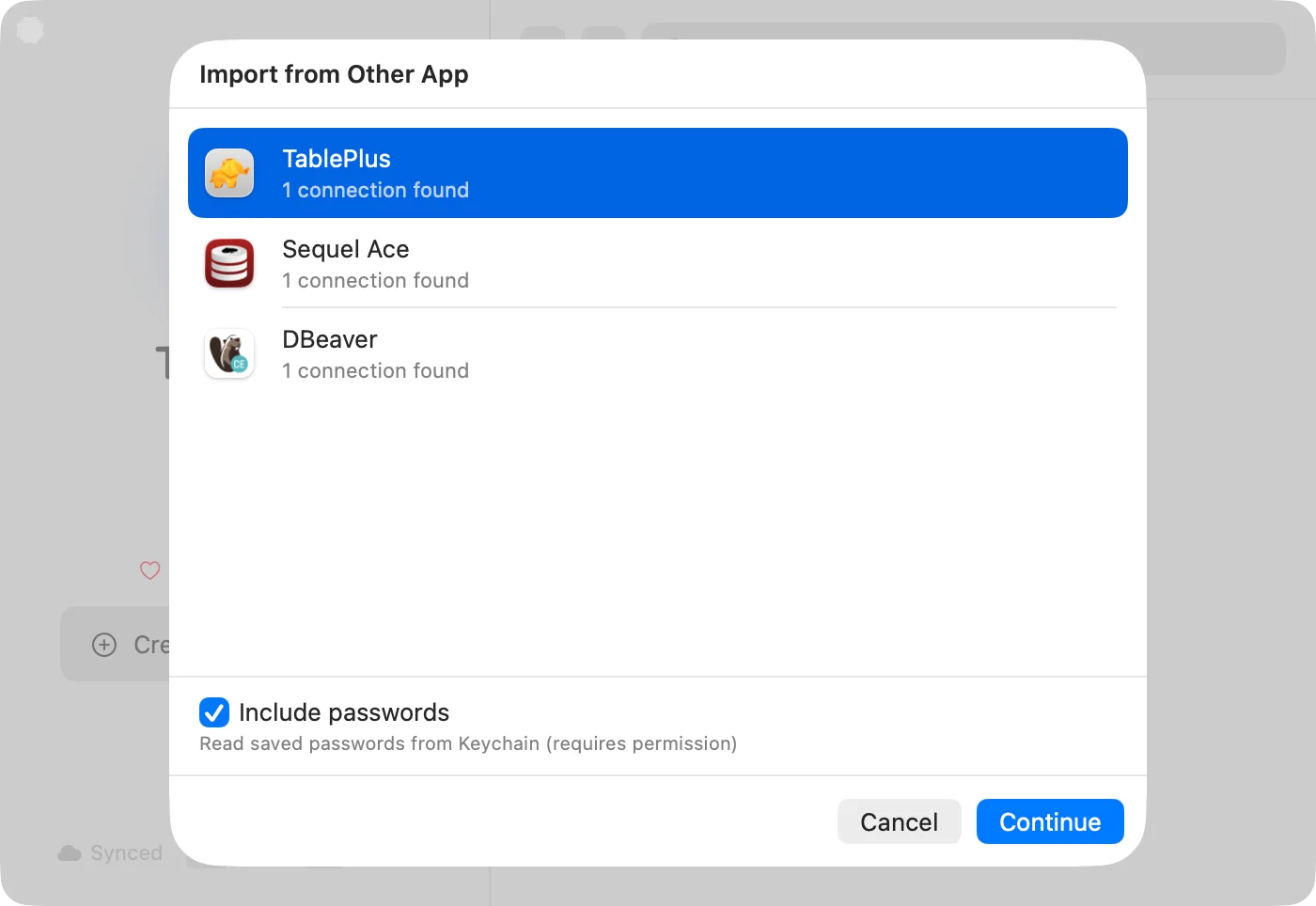
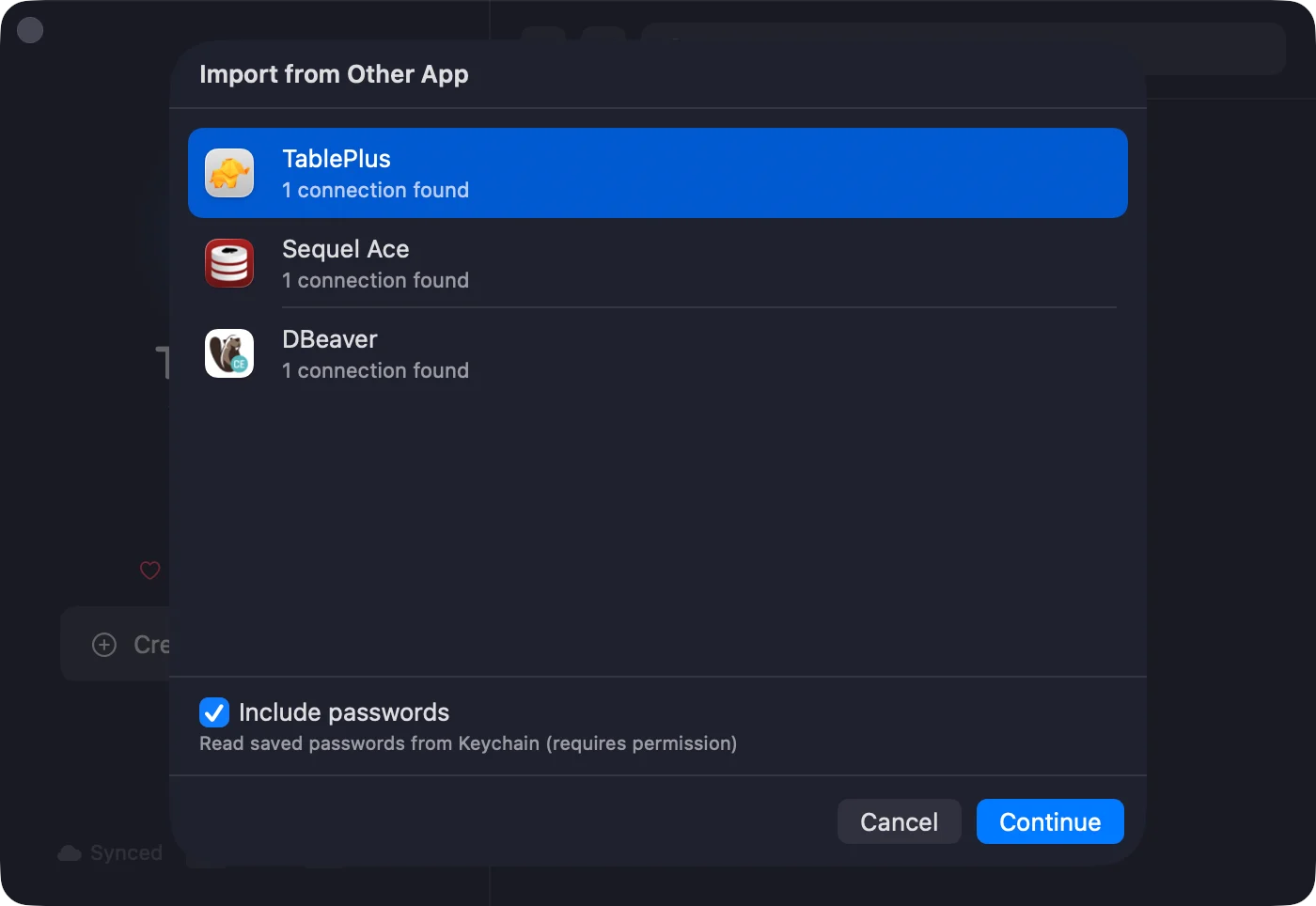
| App | Databases | Passwords |
|---|---|---|
| TablePlus | MySQL, PostgreSQL, MongoDB, SQLite, Redis, and more | From Keychain |
| Sequel Ace | MySQL | From Keychain |
| DBeaver | MySQL, PostgreSQL, SQLite, SQL Server, Oracle, and more | Decrypted from config file |
| DataGrip | MySQL, PostgreSQL, SQLite, SQL Server, Oracle, and more | From Keychain or c.kdbx |
| Navicat | MySQL, MariaDB, PostgreSQL, SQLite, SQL Server, Oracle, MongoDB | Decrypted from .ncx file |
.ncx file in TablePro. SSH tunnel and SSL settings carry over. A connection exported without its password imports without one, so you enter it the first time you connect.
Share via Link
Two link forms ship with TablePro. Pick the one that matches what you want to share.Copy as Import Link
Right-click > Copy as Import Link. Produces atablepro://import?... URL with host, port, type, and username (no password). Paste in Slack, a wiki, or a README. The recipient opens the link, reviews the prefilled form, adds their own password, and saves.
Copy Connection Deep Link
Right-click > Copy Connection Deep Link. Produces atablepro://connect/<uuid> URL that opens the connection you already have saved. The link refers to your local connection record by UUID, so it only works on a Mac that already has the same connection saved (for example, your other Mac with iCloud Sync, or a teammate who imported the connection). Use this form for bookmarks, Raycast Quicklinks, or shell aliases.
Encrypted Export Pro
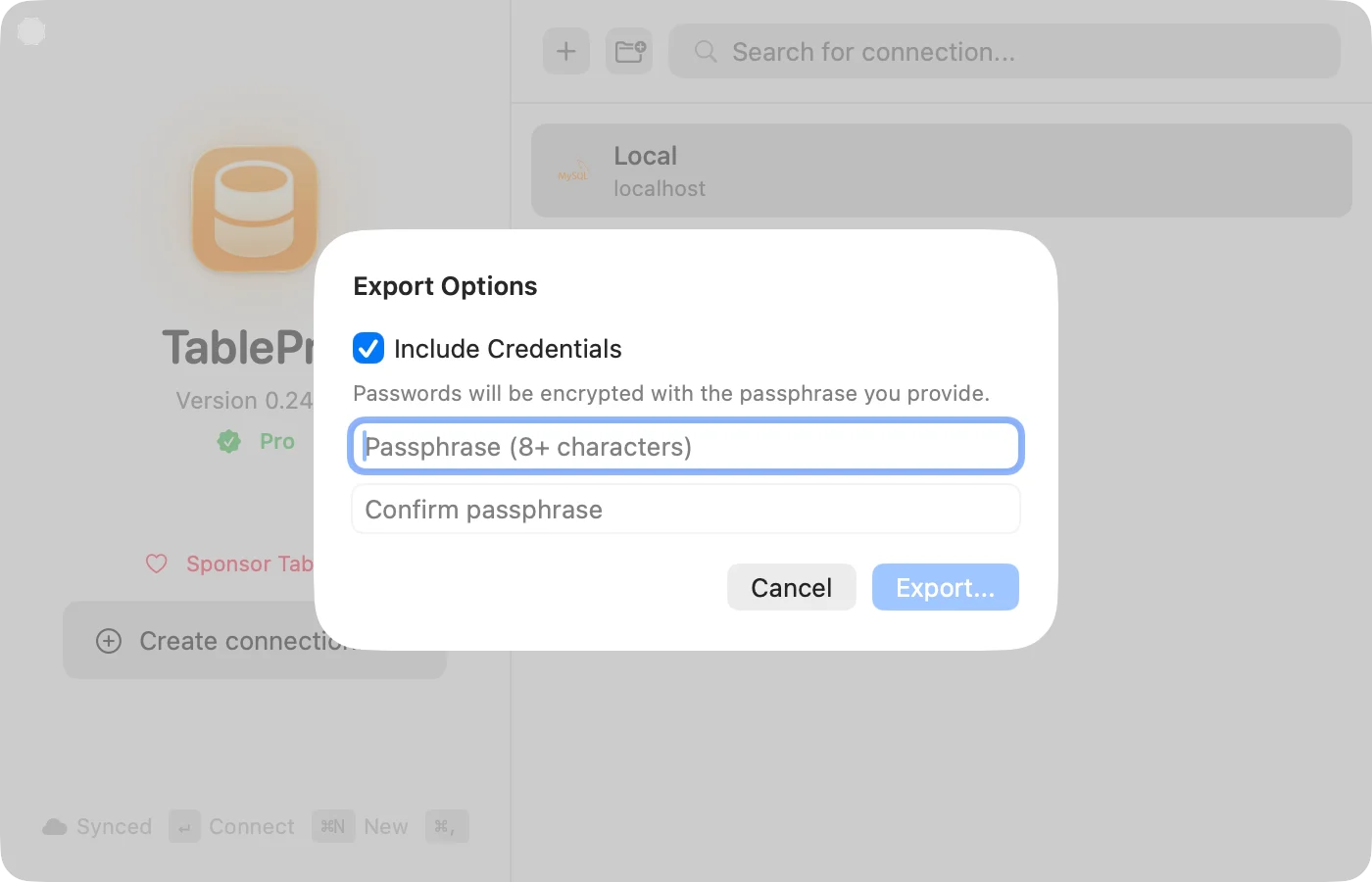
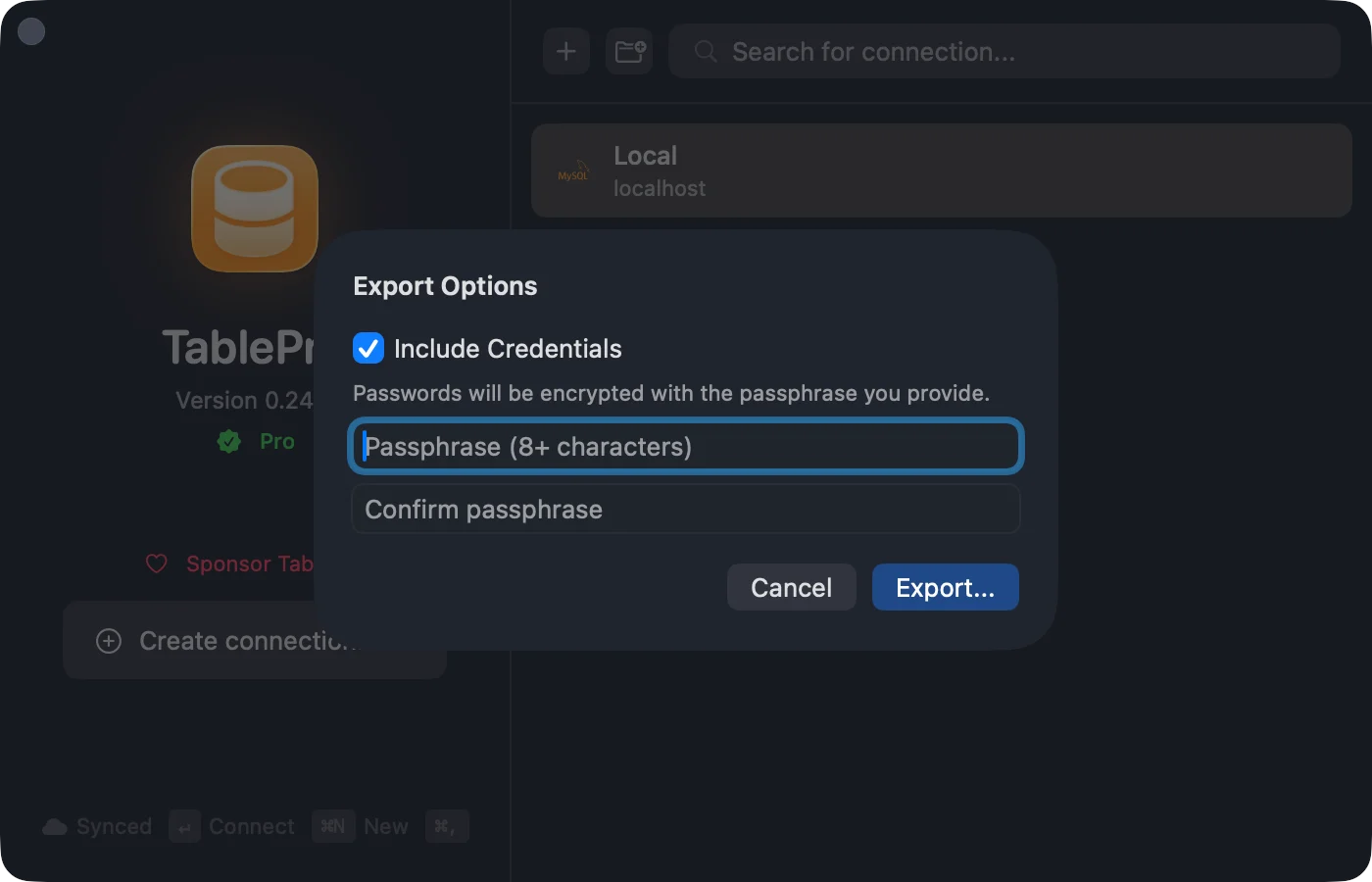
Include passwords in the export, protected by a passphrase (AES-256-GCM).- Right-click > Export…
- Check Include Credentials
- Enter passphrase (8+ characters), confirm
- Export…
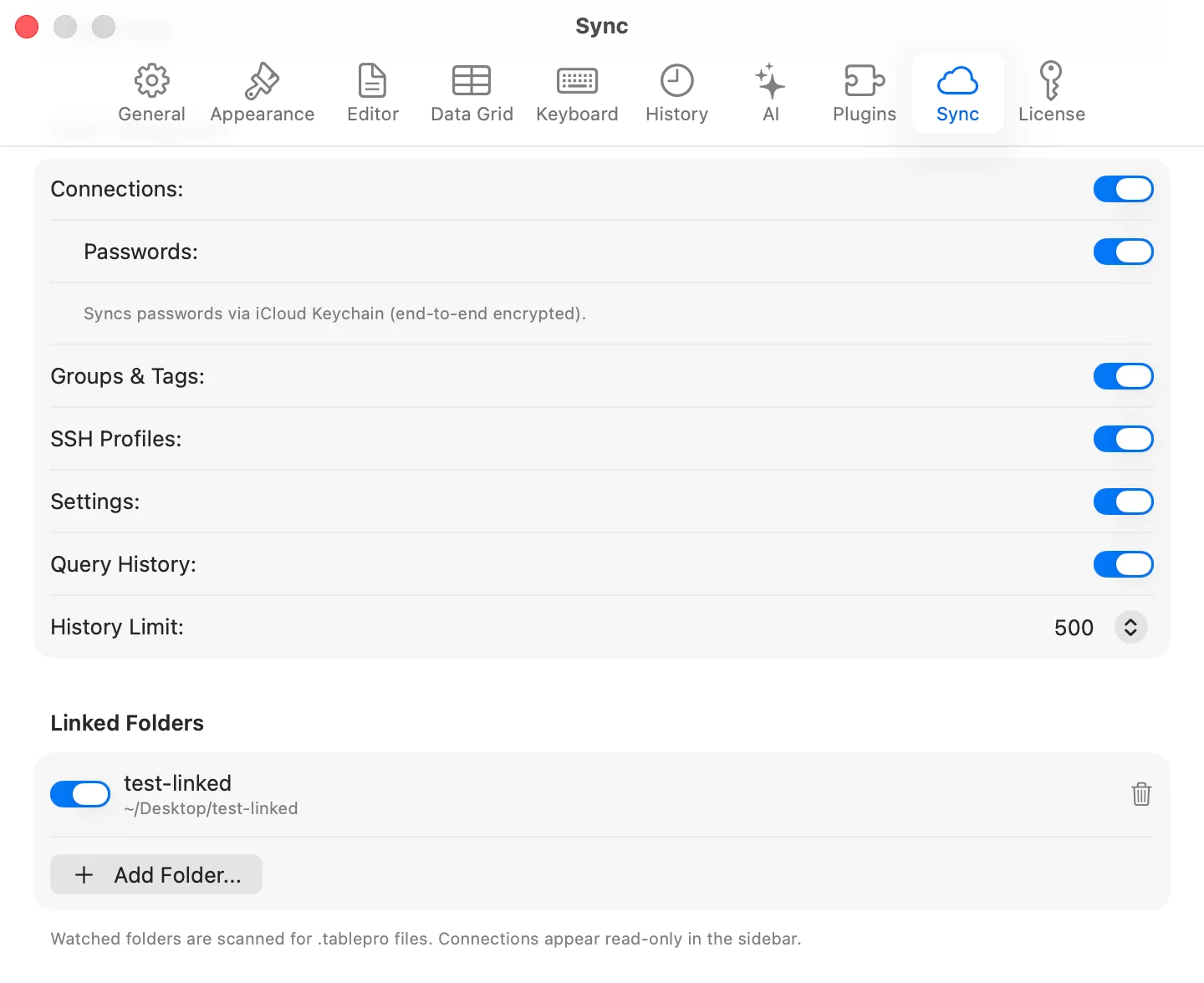
Linked Folders Pro
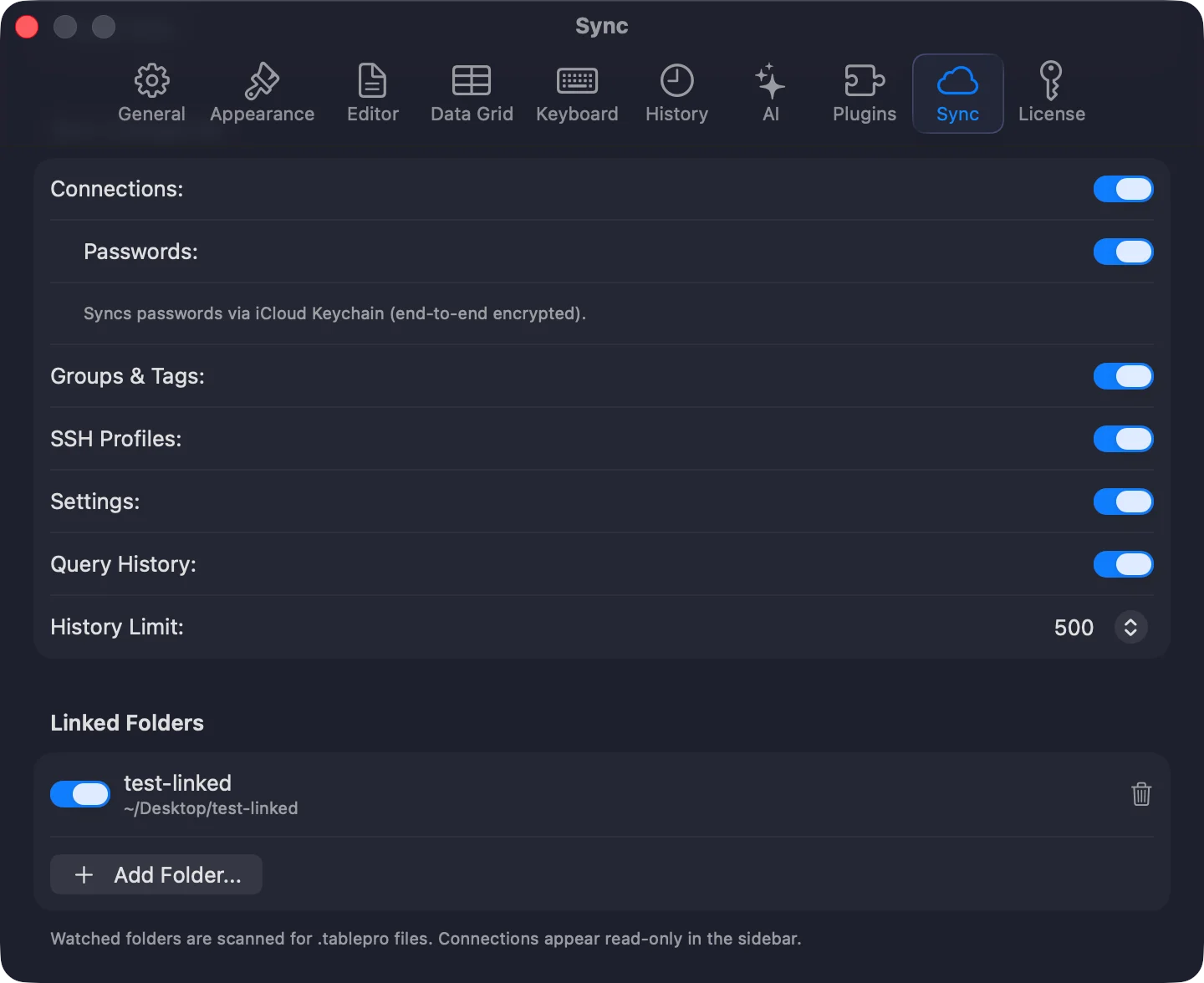
Watch a shared directory for.tablepro files. Connections appear read-only in the sidebar. Each person enters their own password.
Settings (Cmd+,) > Account > Linked Folders > Add Folder…
Works with Git repos, Dropbox, network drives.
Environment Variables Pro
Use$VAR and ${VAR} in .tablepro files. Resolved at connection time.
.env files, 1Password CLI (op run), direnv.
Password Sources
Connections in~/Library/Application Support/TablePro/connections.json can declare where their password comes from instead of storing it in the Keychain. This helps when a script provisions connections, for example one Docker database per git worktree. The password is resolved at connect time. It is not synced to iCloud, since the path, variable, or command is specific to one Mac.
Add a passwordSource object to the connection:
file: reads the password from the file. A trailing newline is trimmed. Usechmod 600to keep it private.env: reads the named environment variable. Apps launched from the Dock do not inherit your shell exports, so set it withlaunchctl setenv NAME valueor launch TablePro from a terminal.command: runs the command through/bin/bashand reads stdout. Works withop,vault,pass, andsops. A trailing newline is trimmed, a non-zero exit fails the connection, and the command has a 30 second timeout.
passwordSource is set it replaces the Keychain lookup for that connection. If resolution fails, the connection reports the error instead of falling back to the Keychain.
File Format
JSON. Required fields:name, host, type.
parentGroupName to preserve hierarchy. Paths use ~/ for portability.
Sharing vs iCloud Sync
| Sharing | iCloud Sync | |
|---|---|---|
| For | Team | Your Macs |
| How | Files, links | CloudKit |
| Passwords | Per-user (encrypted with Pro) | Optional sync |
| Requires | Nothing (Pro for extras) | Pro + iCloud |